support@plankton.mobi


1. Log In
1.1 Accessing Plankton Backstage
- Open your preferred web browser.
- Enter the following link into the address bar: https://plankton.mobi/Backstage/Report then press enter.
- The Plankton Backstage login page will be displayed.
1.2 Logging In
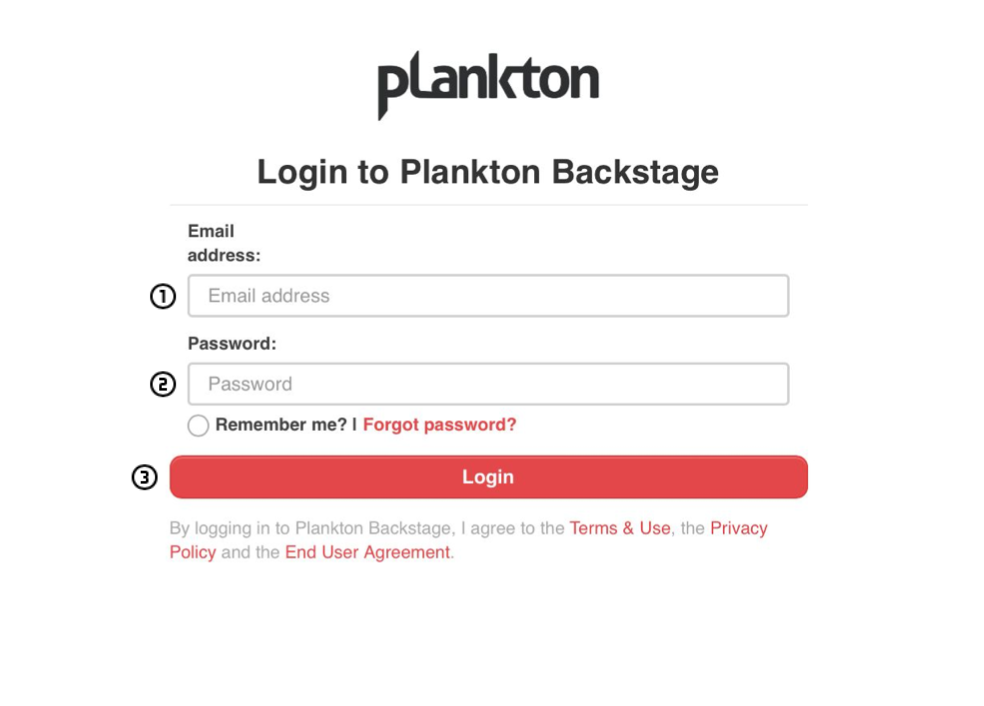
- Input your registered email in the “Email Address” field
- Input your passwords in the “Password” field.
- Click the “Log In” button.
- Upon successful login, you’ll be directed to the Reports page